Game Is Hard Level 140 Solution Walkthrough & Answer
How to solve Game Is Hard level 140? Get instant solution & answer for Game Is Hard level 140: "I'm so hungry..."
Doesn't look like your level?
App updates can sometimes shuffle the order of puzzles. If this level 140 walkthrough doesn't match your screen, don't worry! You can browse our All Levels guide to find your exact puzzle by its picture.
Quick Answer for Game is hard Level 140 (Do This)
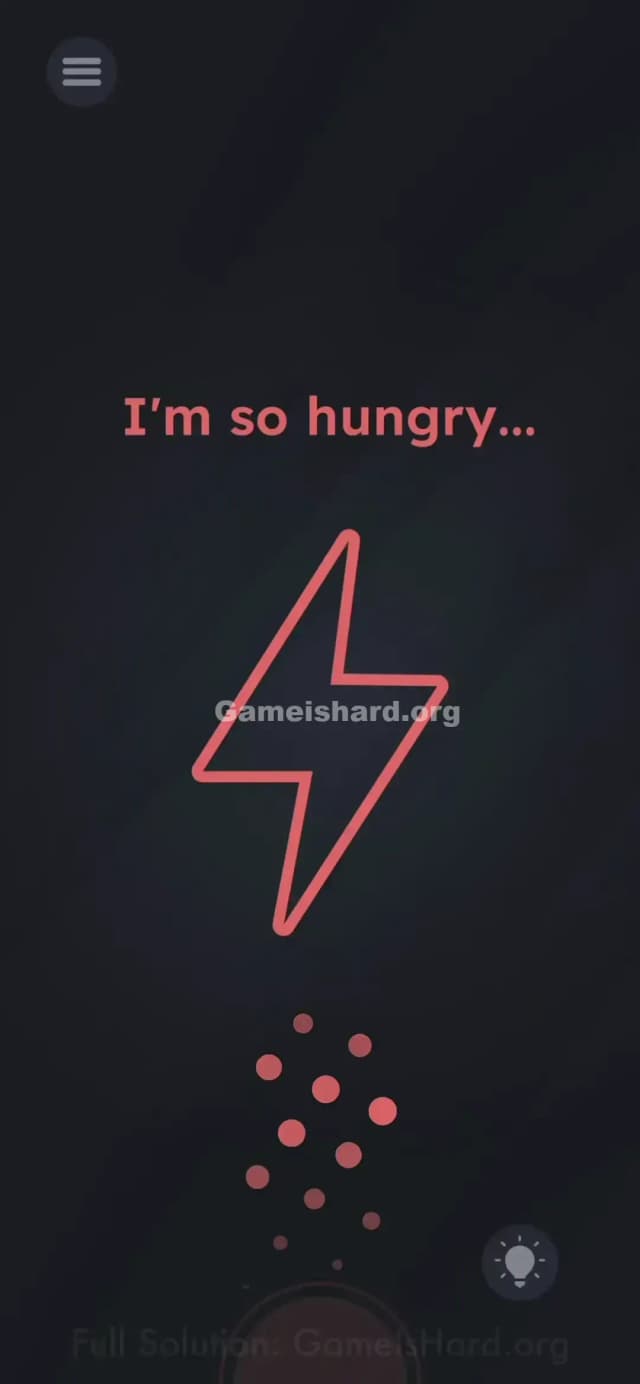
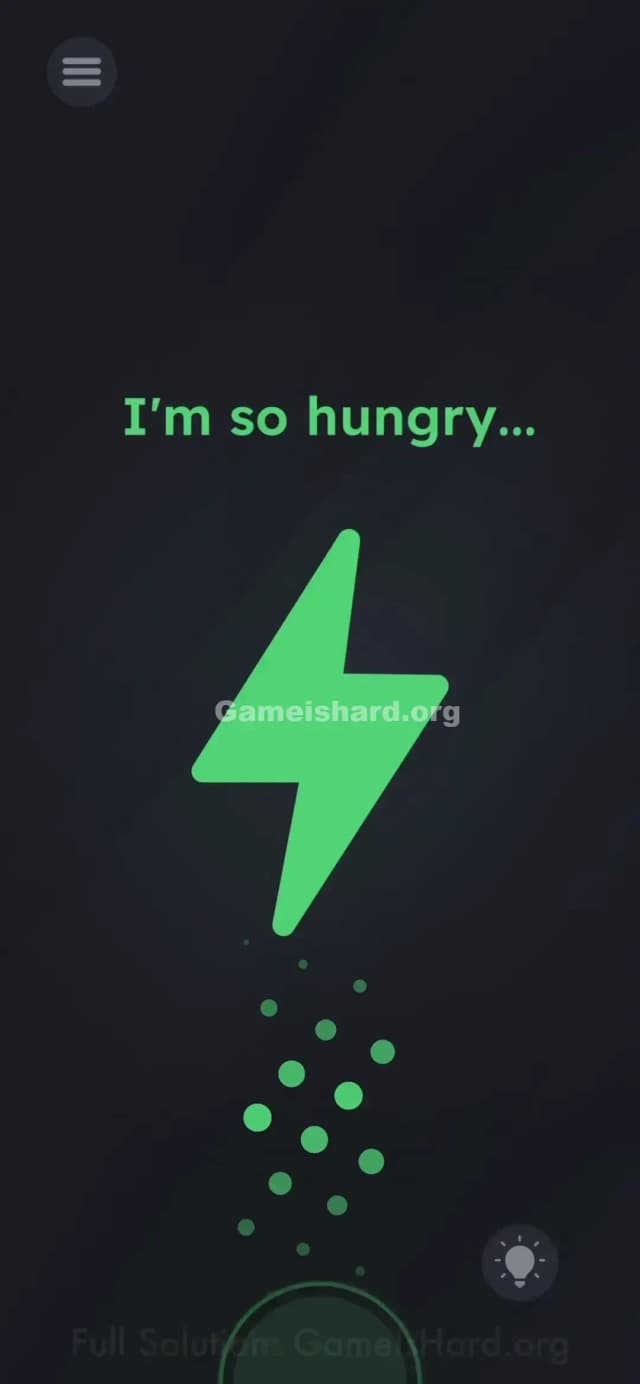
Solution: Physically plug your phone into a charger (or a power bank) to feed the battery icon. Wait a second for the on-screen Lightning Bolt to fill up and turn green.
Game is Hard Level 140 Overview
The Hook of Game is hard Level 140
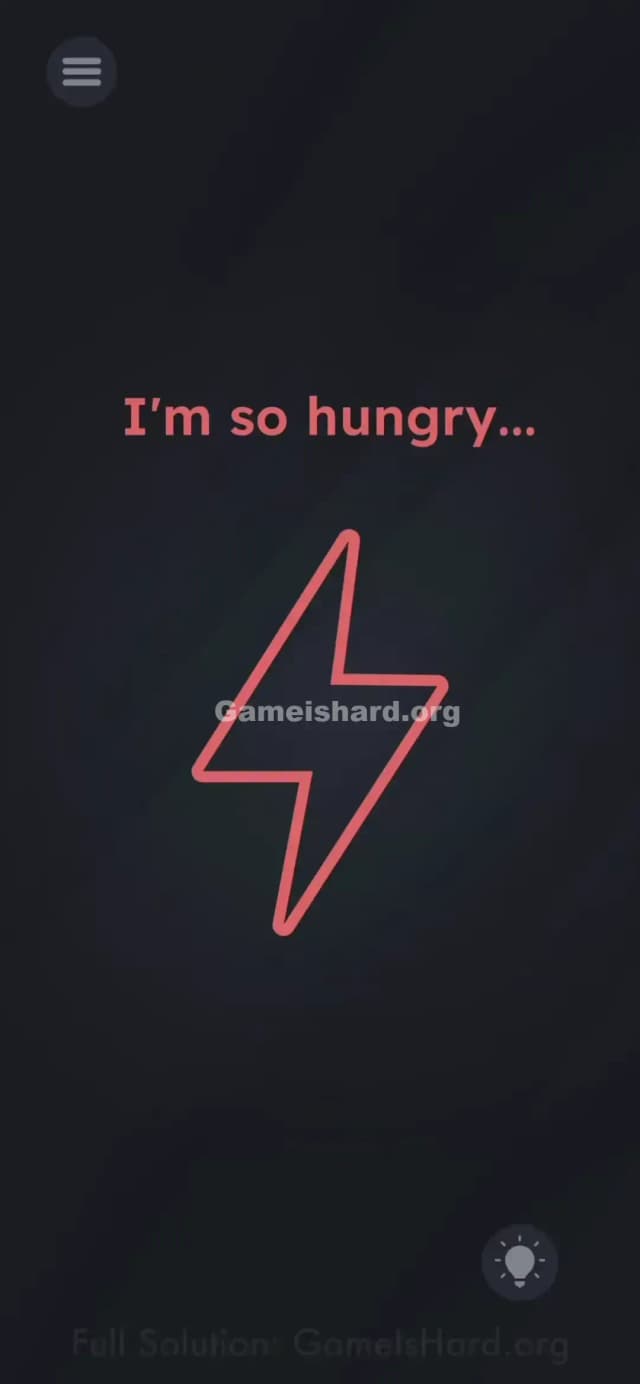
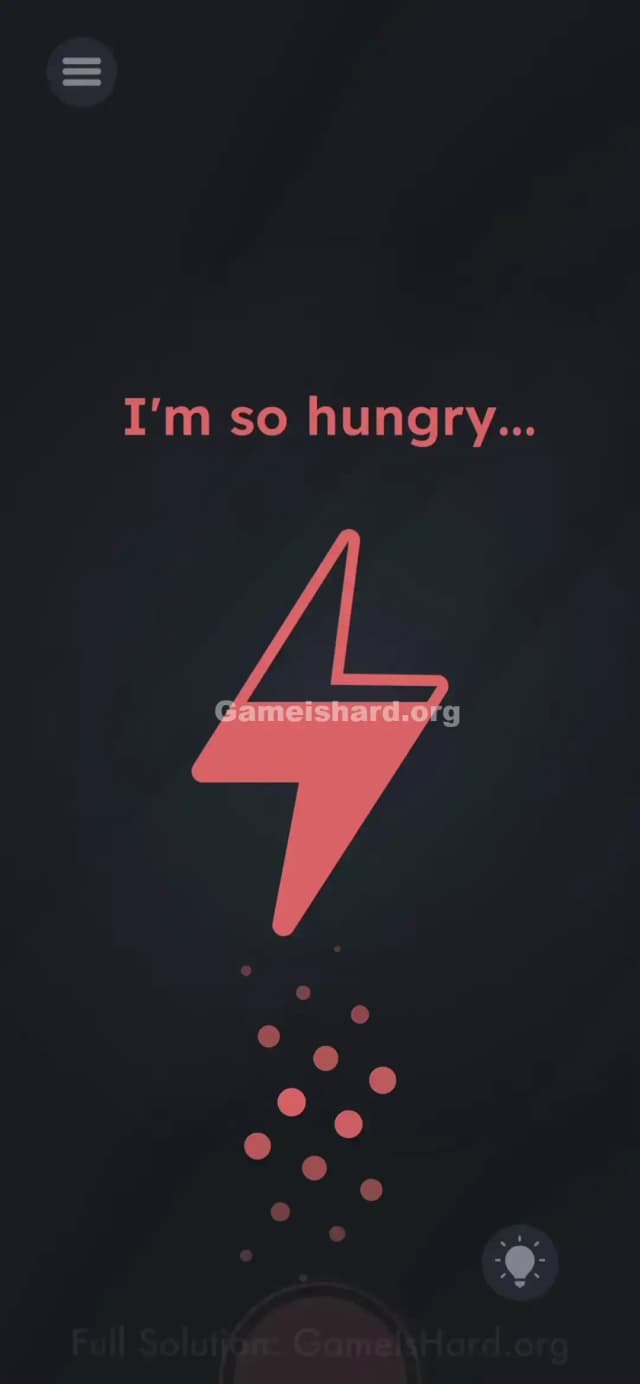
You open the level and see a giant red lightning bolt that looks totally empty. The text complains, "I'm so hungry..." You instinctively try to tap the bolt, maybe drag the text into it, or shake your phone to generate power. Nothing works. The game is pretending to be a low-battery screen, and honestly, it’s pretty convincing.
The Objective of Game is hard Level 140
You need to "feed" the lightning bolt. Since the icon represents battery power, you have to provide actual power to your device. This isn't a logic puzzle; it's a hardware interaction puzzle.
Key Mechanics involved in Game is hard Level 140:
- Hardware Sensor: The game detects charging status.
- Real-world Action: Requires an external cable.
- Visual Feedback: The icon fills up like a real battery animation.
It’s not a typo. It’s literal hunger.
What You See on Screen in Game is hard Level 140
The screen is minimalist and dark, mimicking a phone's "low power" mode.
- Top Center: Red text reads "I'm so hungry..."
- Center: A large, hollow Lightning Bolt icon outlined in red. It looks drained.
- Bottom Right: The standard hint bulb icon.
- Background: Dark grey/black, nothing else to interact with. No hidden items in the corners.
What’s Tricking People in Game is hard Level 140
The Trap of Game is hard Level 140
We are so used to "contained" puzzles. We think the solution is always inside the touchscreen—tapping, swiping, or dragging. Level 140 breaks the fourth wall by demanding you interact with the physical port on the bottom of your phone. If you aren't near a charger, you might stare at this for twenty minutes trying to drag the word "hungry" into the bolt.
The Wrong Instincts
- Rubbing the screen: Trying to create static electricity? Doesn't work.
- Shaking the phone: A common mechanic in this game for "waking up" things, but useless here.
- Dragging the text: Usually, feeding a character involves dragging food text. Here, the text is just a complaint, not an object.
My Reaction to Game is hard Level 140
I sat there swiping that lightning bolt furiously. I thought maybe I had to trace the shape of it? When I finally realized what it wanted, I had to scramble across the room to find my charging cable. It’s clever, but annoying if you’re playing on the bus.
Game is hard Level 140 Step-by-Step Walkthrough
The Setup of Game is hard Level 140
You need a Lightning cable (iPhone) or USB-C cable (Android) connected to power. A wall outlet, a computer USB port, or a portable power bank all work fine. If you don't have one nearby, you are physically stuck on this level.
The Action of Game is hard Level 140
- Get your charger ready.
- Plug it into your phone while the game is open on Level 140.
- Watch the screen. The red lightning bolt will start to fill up with color (usually turning green or yellow depending on the version/OS).
- Once it registers the charge, the level clears instantly.
Troubleshooting at Game is hard Level 140
- "I plugged it in, but nothing happened." Unplug it and plug it back in firmly. Sometimes the game needs to register the change in state from "unplugged" to "charging."
- Playing on an emulator? This is tricky. Most emulators (like BlueStacks) have a "simulated battery" setting in the developer options or toolbar where you can toggle charging status. You'll need to use that.
- Broken port? If you use wireless charging, place it on the pad. That counts as "plugging in" for the game's sensors.
The Logic Behind Game is Hard Level 140
This level relies on hardware sensor integration. Modern mobile games can access system-level data, including your battery state, gyroscope, and microphone.
Game is hard loves to punish you for thinking the game exists only within the pixels. By forcing you to plug in, it blurs the line between the software and the device itself. It's a classic "meta-puzzle" where the condition for victory is external to the game loop.
Pro Tip for Game is Hard Level 140
- Don't have a charger? Wireless charging pads work too.
- If you are absolutely stuck without power, close the app and wait until you get home. There is no software bypass.
- Do NOT waste hints here. The hint will just tell you to charge the phone, which is infuriating if you don't have a cable.
FAQ of Game is hard Level 140
Q: Can I beat Level 140 without a charger? A: No. The game code specifically looks for the "isCharging" flag from your phone's operating system. You must trigger that state.
Q: Does wireless charging count? A: Yes! As long as the phone registers that it is receiving power, the lightning bolt will turn green.
Q: I'm at 100% battery, will it still work? A: Yes. It doesn't care about the percentage; it only cares that a power source is connected.
Q: Why isn't the text draggable? A: In this level, the text is just flavor. The only interactive element is the system state of your phone.
Get more level walkthrough on Gameishard.org
If you’re stuck on another level where the answer seems impossible, check the main index. We strip out the fluff and just tell you where to tap or what to shake. Send this to your friend who is probably still rubbing their screen trying to make "static electricity." Good luck on the next one!