Game Is Hard Level 120 Solution Walkthrough & Answer
How to solve Game Is Hard level 120? Get instant solution & answer for Game Is Hard level 120: "up and down..."
Doesn't look like your level?
App updates can sometimes shuffle the order of puzzles. If this level 120 walkthrough doesn't match your screen, don't worry! You can browse our All Levels guide to find your exact puzzle by its picture.
Quick Answer for Game is hard Level 120 (Do This)
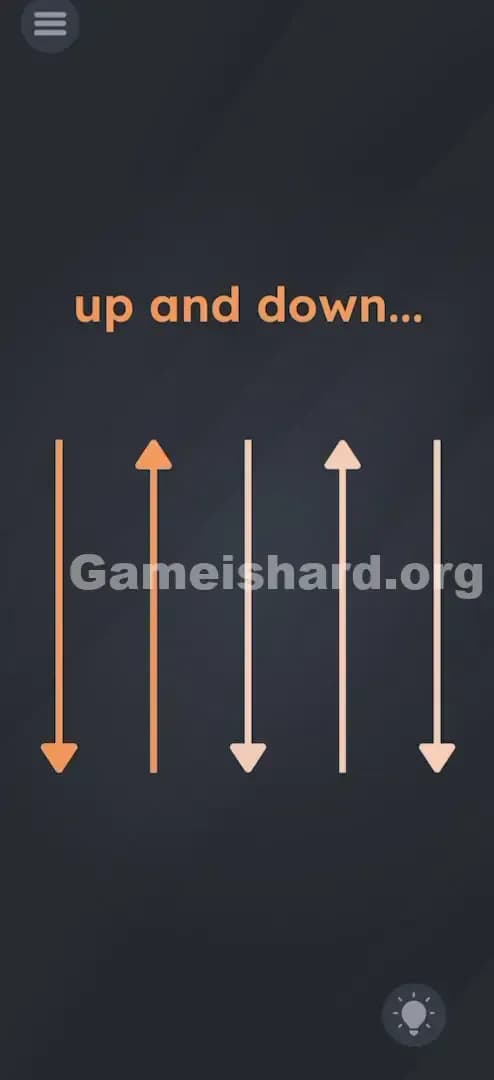
Solution: Physically flip your phone upside down completely (rotate it 180 degrees) and then flip it back to the normal position. This action mimics the "up and down" movement suggested by the arrows.
Game is Hard Level 120 Overview
The Hook of Game is hard Level 120
You are staring at arrows. Just arrows. You swipe them. Nothing. You tap them in rhythm. Nothing. You try to drag the text "up and down" to match the arrows. Still nothing. This level is frustrating because the interface is completely unresponsive to touch, which makes you feel like the game has frozen. It hasn't. It's just stopped caring about your fingers.
The Objective of Game is hard Level 120
The goal here isn't to interact with the screen elements directly. You need to prove to the game that you understand the physical concept of "up and down." You are essentially acting out the prompt using your device as the prop.
Key Mechanics Involved in Game is hard Level 120:
- Gyroscope / Accelerometer Sensors
- Physical Rotation
- Logic Trap (Touchscreen uselessness)
It’s not a puzzle about swiping. It’s a puzzle about moving the hardware itself.
What You See on Screen in Game is hard Level 120
The layout is stark and minimalist, designed to give you zero clues.
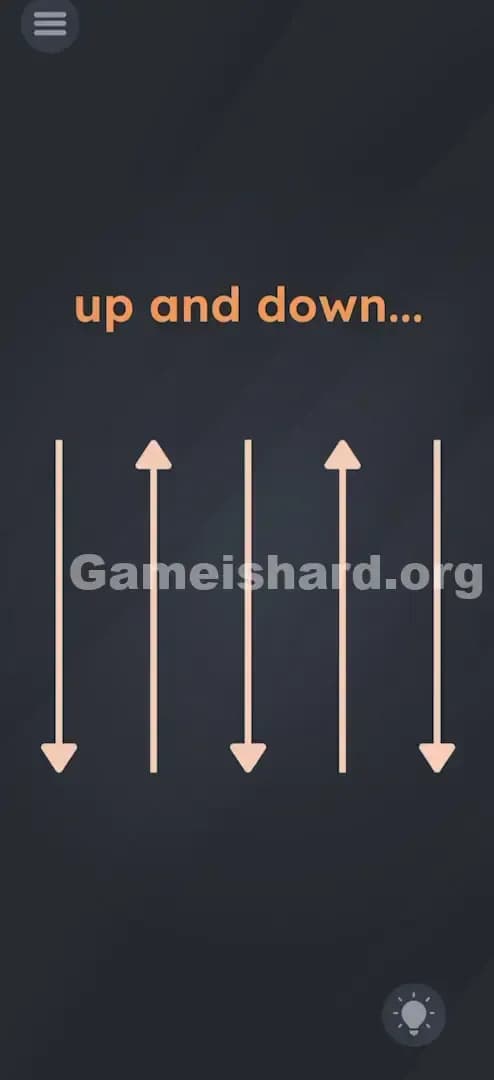
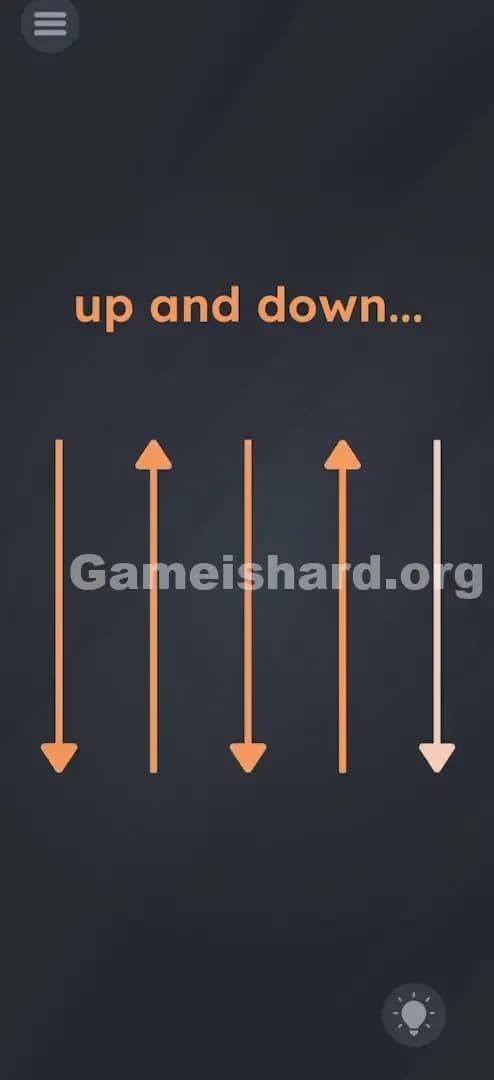
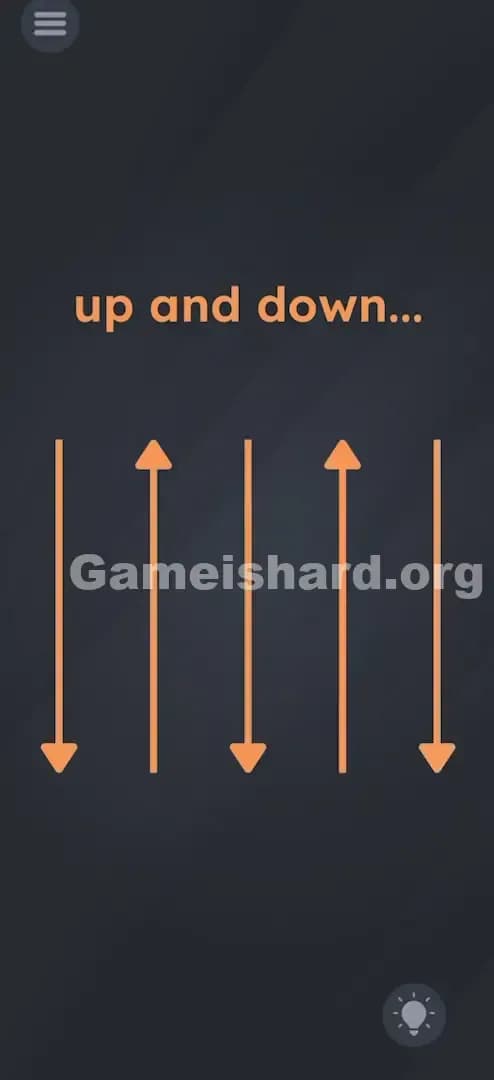
- Top Center: The text "up and down..." floats ominously. Note the ellipsis (...), hinting that an action is required to complete the thought.
- Center Stage: Five vertical arrows arranged in a row.
- Arrow 1: Points Down
- Arrow 2: Points Up
- Arrow 3: Points Down
- Arrow 4: Points Up
- Arrow 5: Points Down
- The Vibe: Everything is static. The arrows don't animate. There are no buttons other than the menu and hint bulb. It looks like a diagram, not a game level.
What’s Tricking People in Game is hard Level 120
The Trap of Game is hard Level 120
We are conditioned to treat mobile games like touchscreens. If we see an arrow, we swipe in that direction. If we see a sequence (Down, Up, Down...), we try to tap them in that order. This level relies on Sensor Blindness. We forget the phone is a physical object with gravity sensors. We treat it like a magical window that only reacts to skin contact.
The Wrong Instincts in Game is hard Level 120
I’ve seen players try everything but the solution:
- Swiping up and down repeatedly on the screen.
- Tapping the arrows in the order they appear.
- Shaking the phone violently (which sometimes triggers other sensors but fails here).
- Dragging the words "up" and "down" onto the corresponding arrows.
My Reaction to Game is hard Level 120
I spent a solid two minutes swiping those arrows. I felt like I was trying to unlock a jammed door. I eventually got mad, tossed my phone onto the couch upside down, and heard the "success" chime. Pure luck. That's when it clicked: the game wanted the phone to go up and down, not my finger.
Game is hard Level 120 Step-by-Step Walkthrough
The Setup of Game is hard Level 120
Clear your space. You need to physically rotate your device. Make sure you have a good grip on your phone—you don't want to launch it across the room.
The Action in Game is hard Level 120
- Hold your phone normally (portrait mode).
- Turn the phone upside down. Literally rotate it 180 degrees so the charging port is pointing at the ceiling and the top speaker is pointing at the floor.
- Hold it there for a split second.
- Flip it back to the normal upright position.
Verification
As soon as the phone returns to the upright position, the level should clear. You are essentially simulating the arrows: going "down" (upside down) and then "up" (right side up).
Troubleshooting at Game is hard Level 120
If the level doesn't trigger:
- Check Rotation Lock: Sometimes system-level screen rotation locks interfere with how games read the gyroscope. Turn off "Portrait Orientation Lock" in your phone's control center.
- The Camera Trick: Weirdly, some devices struggle to grant motion permissions mid-game. Go to your phone settings, toggle the Game's Camera or Motion permissions off and on again. This refreshes the sensor link.
- Exaggerate the Motion: Don't be subtle. Make the flip distinct and sharp.
The Logic Behind Game is Hard Level 120
This level is a classic implementation of External Hardware Puzzles. The game is breaking the "fourth wall" of the touchscreen.
The text "up and down" describes the orientation of the device relative to gravity. The arrows are just a visual representation of the gyroscope's Y-axis flipping. By turning the phone, you are manually feeding the "Down" and "Up" data values to the game's code. It's a reminder that the software is trapped inside a box full of sensors, and sometimes you have to move the box.
Pro Tip for Game is Hard Level 120
If you are speedrunning or replaying:
- Do not touch the screen at all.
- Flip immediately upon level load.
- If it fails, shake the phone once to "wake up" the sensors, then try the flip again.
Do NOT waste time tapping the arrows. They are purely cosmetic decoration.
FAQ of Game is hard Level 120
Q: I flipped my phone but nothing happened in Game is hard Level 120? A: Try doing it faster. Sometimes a slow rotation doesn't register as a deliberate "flip." Also, ensure your screen rotation lock is OFF.
Q: Do I need to shake the phone? A: No. Shaking is a different sensor trigger. This specific level looks for smooth 180-degree rotation (orientation change), not the chaotic vibration of a shake.
Q: Is there a specific timing? A: Not strictly, but "down... then up" implies a sequence. Flip it down, wait half a second, flip it up. Don't just spin it wildly.
Q: Does this work on tablets/iPads? A: Yes, but flipping a large tablet is awkward. Be careful not to drop it. The gyroscope mechanic works exactly the same way.
Get more level walkthrough on Gameishard.org
If this guide saved you from throwing your phone at the wall, we have plenty more. Game is hard loves to lie to you, and we love exposing those lies. Check out our other guides for the next levels to keep your streak alive without the headache. Good luck, gamer.