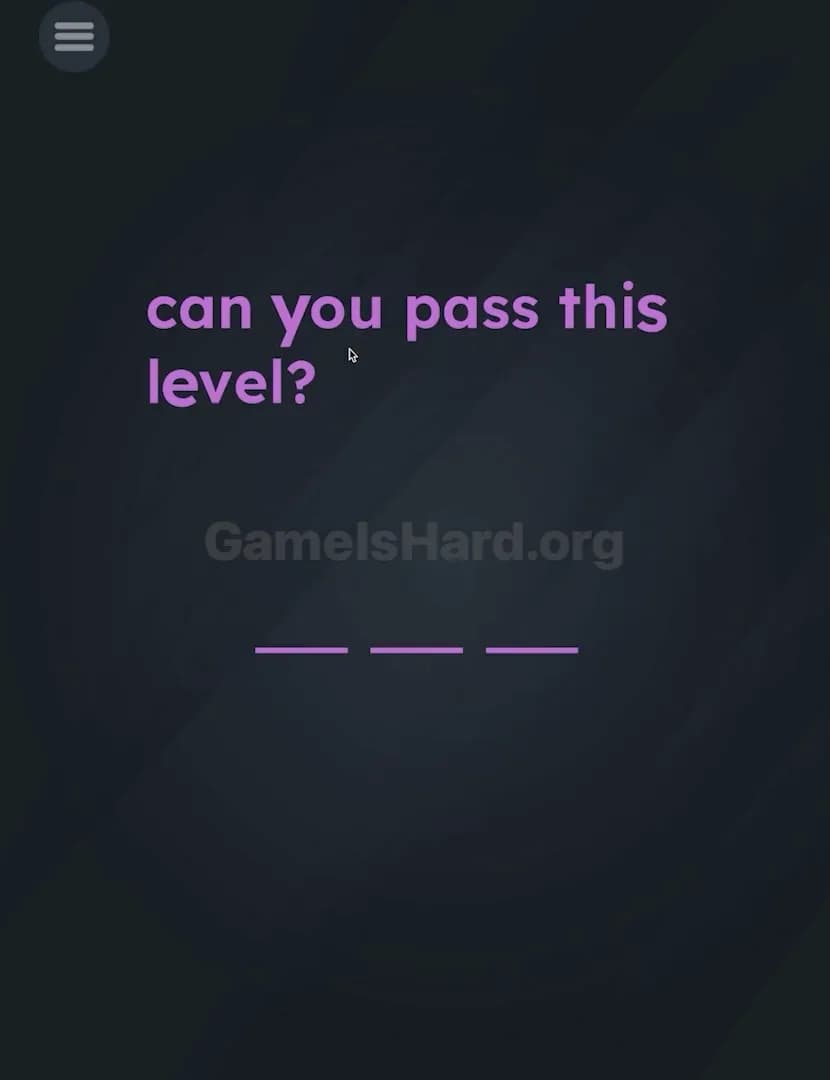
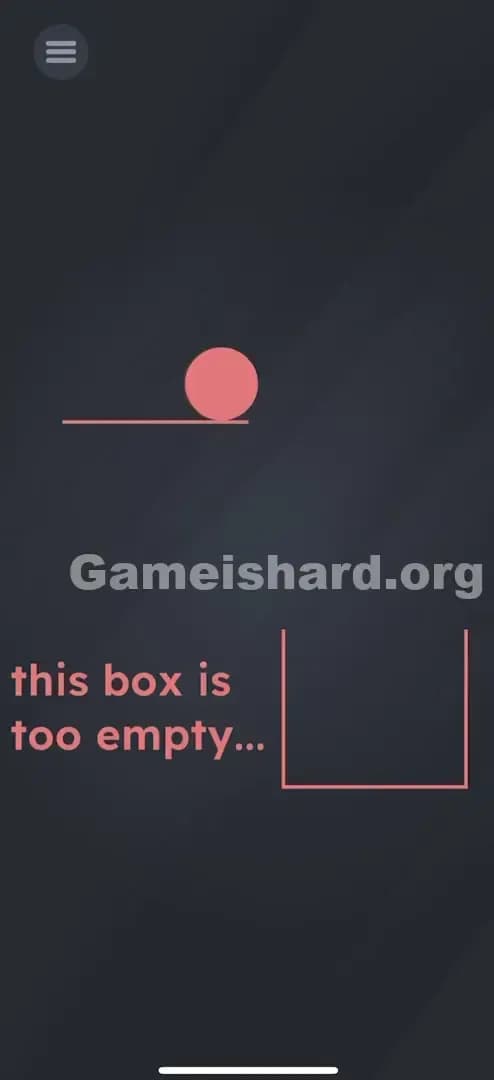
Game Is Hard Level 3 Solution Walkthrough & Answer
How to solve Game Is Hard level 3? Get instant solution & answer for Game Is Hard level 3: "? (Question mark)"
Doesn't look like your level?
App updates can sometimes shuffle the order of puzzles. If this level 3 walkthrough doesn't match your screen, don't worry! You can browse our All Levels guide to find your exact puzzle by its picture.

Quick Answer for Game is hard Level 3 (Do This)
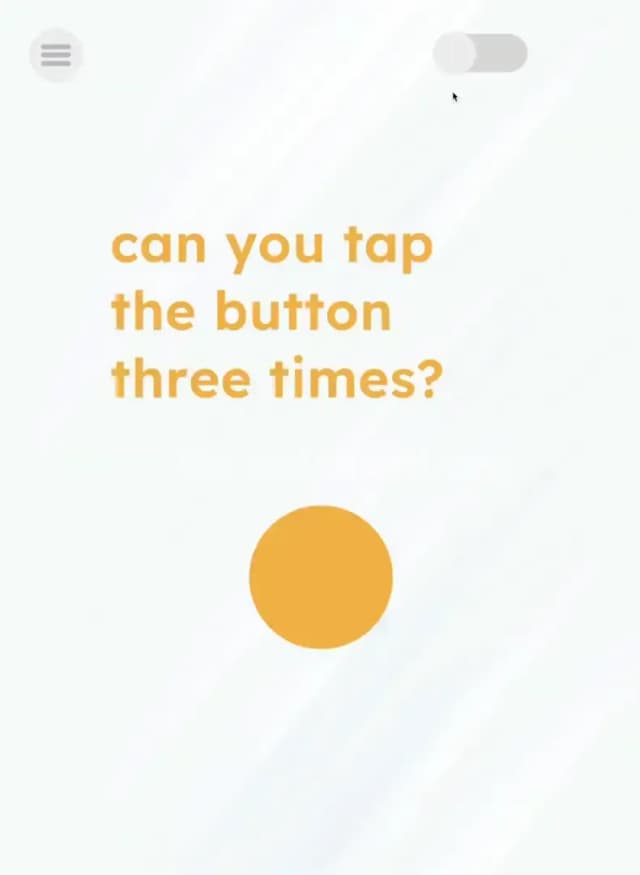
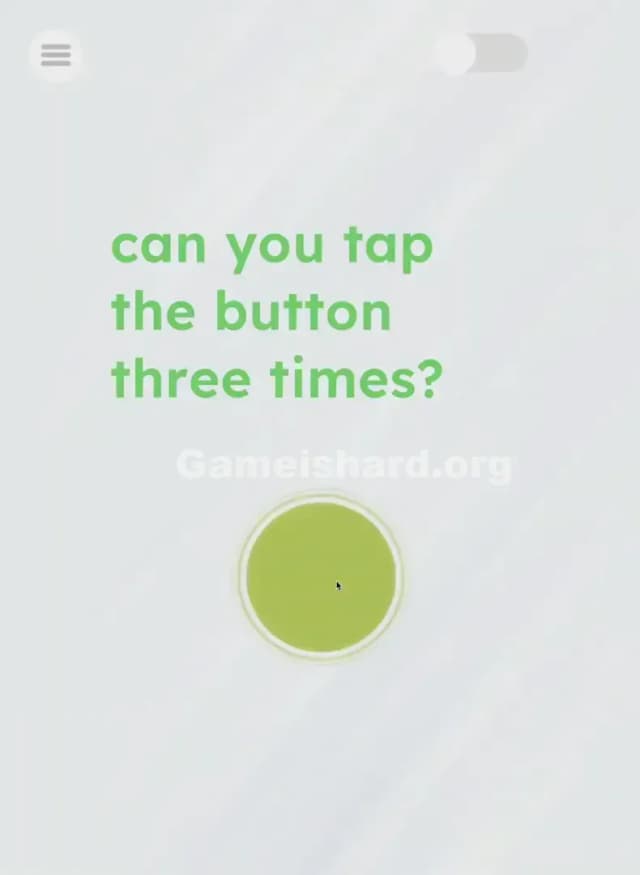
Solution: Flip the switch in the top-right corner to turn the lights on, then tap the big yellow button exactly three times.
You need to tap the switch first to see what you are doing, otherwise, your taps won't register.
Game is Hard Level 3 Overview
The Hook
It starts completely dark. You load into Game is hard Level 3 and think your phone screen died or the app crashed. There’s a faint outline of something, but mostly, you’re just staring at a black void. It feels broken. That's intentional. The game is simulating a room with the lights off, and just like in real life, you can't solve puzzles in the dark.
The Objective of Game is hard Level 3
Your goal is deceptively simple: tap a button. However, the game enforces a "logic layer" before the "action layer." You cannot interact with the main puzzle element until you change the environment state. You are proving to the game engine that you are "awake" and paying attention to the peripheral UI, not just the center of the screen.
Here are the mechanics of Game is hard Level 3 you’re dealing with:
- Environmental Toggles: Changing the state of the level (Dark vs. Light).
- Hidden UI: Controls that blend into the background.
- Counting: Basic arithmetic input (tapping X times).
- Sequential Logic: Order of operations matters (A before B).
It isn’t a glitch. It’s an ambush.
What You See on Screen in Game is hard Level 3
When the level starts, the screen is almost entirely black. It looks like a rendering error.
If you squint or turn your screen brightness all the way up, you might see faint gray shapes.
- Top Right: There is a pill-shaped toggle switch, currently set to the "off" position. It is barely visible against the dark background.
- Center: There is a large question mark icon (or button), but it is dimmed out and unresponsive.
- Top Left: The standard menu button, which is always there.
The visual language here is shouting "there is nothing to do," but the toggle switch is the only active element that isn't locked.
What’s Tricking People in Game is hard Level 3
The Trap of Game is hard Level 3
The trap is Darkness blindness. We are trained by thousands of hours of gaming to expect the puzzle to be brightly lit and center stage. When we see a dark screen, our instinct is to think "loading screen" or "wait." Players stare at the screen waiting for the lights to come on automatically. They won't. You have to be the electrician.
The Wrong Instincts
Most players immediately start tapping the center of the screen where they assume the content should be. They tap the question mark furiously. Nothing happens. Others try to shake the phone to "wake it up" or swipe around hoping to strike a match. The game ignores all of this because, logically, the button doesn't exist until the lights are on.
My Reaction to Game is hard Level 3
I sat there for a solid 30 seconds thinking the ad didn't load properly. I even force-closed the app and reopened it. I felt incredibly stupid when I finally saw the toggle switch in the corner. I was looking for a puzzle, not a light switch.
Game is hard Level 3 Step-by-Step Walkthrough
The Setup
Stop tapping the center. Look up. Focus your eyes on the top right corner of your device screen. You are looking for a standard UI toggle switch (like the one you use to turn on WiFi).
The Action
- Tap the Switch: Tap the toggle in the top-right corner once. The background should instantly turn from black to a visible color, and the lights will "turn on."
- Locate the Target: Now you will see a big yellow button (often with a question mark or face) clearly in the center.
- Execute the Code: Tap that big yellow button exactly three times.
- Verification: After the third tap, the level Complete animation should play immediately.
Troubleshooting in Game is hard Level 3
- Lights won't turn on? You might be tapping slightly off-target. The hit box for the switch is small. Aim precisely for the circle part of the switch.
- Nothing happens after tapping? Ensure you turned the light on first. Tapping the button in the dark counts for nothing.
- Tapped too many times? If you spam-tap the yellow button 10 times, it might fail or reset. Tap deliberately: One. Two. Three. Stop.
Micro-Details That Make the Move Register
Precision matters here, specifically with the sequence. The game code likely has a boolean flag isLightOn. Until isLightOn = true, the tap listener for the main button is disabled.
- The Switch: It doesn't drag; it's a tap. Don't try to slide it like an iPhone unlock screen. Just a quick tap.
- The Button: The "three times" instruction is strict. If the prompt implies tapping 3 times, don't tap 4 just to be safe.
- I fixed it by: Wiping my screen. I literally couldn't see the dark gray switch on the black background because of a smudge. Clean your screen if you can't see the UI elements in the dark phase.
The Logic Behind Game is Hard Level 3
This level is teaching you to treat the entire screen as the puzzle, not just the "gameplay area."
Usually, UI elements in the corners (settings, mute, pause) are ignored during gameplay. Game is hard Level 3 inverts this. The corner UI is the gameplay. This creates a psychological shift. You stop looking at the center and start scanning the edges. It’s a classic "UI Blindness" test. The game is saying, "I showed you the switch; you just chose to ignore it because it looked like a settings menu."
Pro Tip for Game is Hard Level 3
If you are speed-running this or reinstalling:
- Memorize the top-right location.
- Tap that corner immediately upon load, even before your eyes adjust to the darkness.
- Tap the center three times rhythmically.
- Move on. Do not wait for visual confirmation of the light turning on before moving your thumb to the center.
Alternative Attempts of Game is hard Level 3 (What Doesn’t Work, and Why)
- Turning up phone brightness: This helps you see the switch, but it doesn't solve the level. The game doesn't know your screen brightness setting.
- Tapping the yellow button in the dark: The input is disabled. It’s like trying to type on a keyboard that isn't plugged in.
- Shaking the phone: There is no accelerometer trigger in this level.
- Waiting: The lights will never turn on automatically. It is not a timer puzzle.
- Dragging the switch: It looks like a slider, but it functions as a button. Tapping is faster and more reliable than dragging.
Common Mistakes for Game is Hard Level 3
- Ignoring the switch: Thinking the switch is part of the system UI or settings menu.
- Over-tapping: Tapping the yellow button 5 or 6 times out of frustration before the lights are on.
- Miscounting: Tapping the yellow button 2 times or 4 times.
- Screen Glare: Playing in bright sunlight makes the "dark mode" switch invisible.
- Tapping the Menu: Accidentally hitting the menu button (top left) instead of the light switch (top right).
Pattern Recognition: How to Spot This Trick in Future Game is Hard Levels
The tell of Game is hard Level 3
Whenever a level starts and it looks "broken," "blank," or "dark," assume it is an environment puzzle.
The habit
Before tapping the center of the screen, scan the four corners. Look for switches, hidden objects, or text that blends into the background color. If the main interaction isn't working, check the peripheral vision. Change the state of the room before you try to solve the riddle.
FAQ of Game is hard Level 3 (Short, Useful)
Q: Is my game bugged? It's just a black screen in Game is hard Level 3. A: No. It's supposed to be dark. Look closely at the top right corner for a light switch.
Q: I tapped the button 3 times but nothing happened in Game is hard Level 3. A: Did you turn the light on first? The taps only count if the light is on.
Q: Can I turn the light back off in Game is hard Level 3? A: Yes, if you tap the switch again, it goes dark. You can't solve the level while it's off, though.
Q: Do I have to tap exactly three times in Game is hard Level 3? A: Generally, yes. The game wants specific input. Don't spam it.
Get more level walkthrough on Gameishard.org
If this guide saved you from smashing your phone screen, we have plenty more. We write these guides to be fast, searchable, and devoid of the usual fluff you find on recipe blogs. Bookmark us for when Game is hard Level 20 inevitably makes you rage quit. Good luck!