Game Is Hard Logo
  • Download
  • Blog
  • All Levels
  • Levels 1-10

    12345678910

    Levels 11-20

    11121314151617181920

    Levels 21-30

    21222324252627282930

    Levels 31-40

    31323334353637383940

    Levels 41-50

    41424344454647484950

    Levels 51-60

    51525354555657585960

    Levels 61-70

    61626364656667686970

    Levels 71-80

    71727374757677787980

    Levels 81-90

    81828384858687888990

    Levels 91-100

    919293949596979899100

    Levels 101-110

    101102103104105106107108109110

    Levels 111-120

    111112113114115116117118119120

    Levels 121-130

    121122123124125126127128129130

    Levels 131-140

    131132133134135136137138139140

    Levels 141-150

    141142143144145146147148149150

    Levels 151-160

    151152153154155156157158159160

    Levels 161-170

    161162163164165166167168169170

    Levels 171-180

    171172173174175176177178179180

    Levels 181-190

    181182183184185186187188189190
Game Is Hard Logo

Levels 1-10

12345678910

Levels 11-20

11121314151617181920

Levels 21-30

21222324252627282930

Levels 31-40

31323334353637383940

Levels 41-50

41424344454647484950

Levels 51-60

51525354555657585960

Levels 61-70

61626364656667686970

Levels 71-80

71727374757677787980

Levels 81-90

81828384858687888990

Levels 91-100

919293949596979899100

Levels 101-110

101102103104105106107108109110

Levels 111-120

111112113114115116117118119120

Levels 121-130

121122123124125126127128129130

Levels 131-140

131132133134135136137138139140

Levels 141-150

141142143144145146147148149150

Levels 151-160

151152153154155156157158159160

Levels 161-170

161162163164165166167168169170

Levels 171-180

171172173174175176177178179180

Levels 181-190

181182183184185186187188189190
‌
‌
‌
‌
‌
‌
‌
‌
‌
‌
‌
‌
‌
‌
‌
‌
‌
‌
‌
‌
‌
‌
‌
‌
‌
‌
‌
‌
‌
‌
‌
‌
‌
‌
‌
‌
‌
‌
‌
‌
‌
‌
‌
‌
‌
Game Is Hard Logo

Game Is Hard Guide is not affiliated with, endorsed by, or connected to the original Game Is Hard game or its publishers. This is an independent fan site created for informational purposes only. All trademarks and copyrights belong to their respective owners.

Site
Game Is Hard GameDownload GameAbout UsBlogContact Us
Featured Levels
Game Is Hard Level 2Game Is Hard Level 6Game Is Hard Level 21Game Is Hard Level 32Game Is Hard Level 34Game Is Hard Level 35Game Is Hard Level 36Game Is Hard Level 42Game Is Hard Level 44Game Is Hard Level 45Game Is Hard Level 50Game Is Hard Level 55Game Is Hard Level 58Game Is Hard Level 61Game Is Hard Level 68Game Is Hard Level 69Game Is Hard Level 71Game Is Hard Level 74Game Is Hard Level 75Game Is Hard Level 80Game Is Hard Level 82Game Is Hard Level 83Game Is Hard Level 84Game Is Hard Level 85Game Is Hard Level 88Game Is Hard Level 91Game Is Hard Level 94Game Is Hard Level 95Game Is Hard Level 100Game Is Hard Level 108Game Is Hard Level 113Game Is Hard Level 119All Level Walkthroughs
Legal
Terms of ServicePrivacy Policy
Pixel Flow
  • Home
  • Blog
  • Your Phone Is the Controller, Stop Playing Like It Isn’t

Your Phone Is the Controller, Stop Playing Like It Isn’t

February 6, 2026
Your Phone Is the Controller, Stop Playing Like It Isn’t
card-0
card-1
card-2
card-3
View Levels Walkthrough

You’re stuck. Again. You’ve tapped every pixel like you’re trying to resuscitate the screen. Nothing moves. No hint. No mercy. Just that smug little “black box” vibe that makes you feel like the app is judging your childhood math grades.

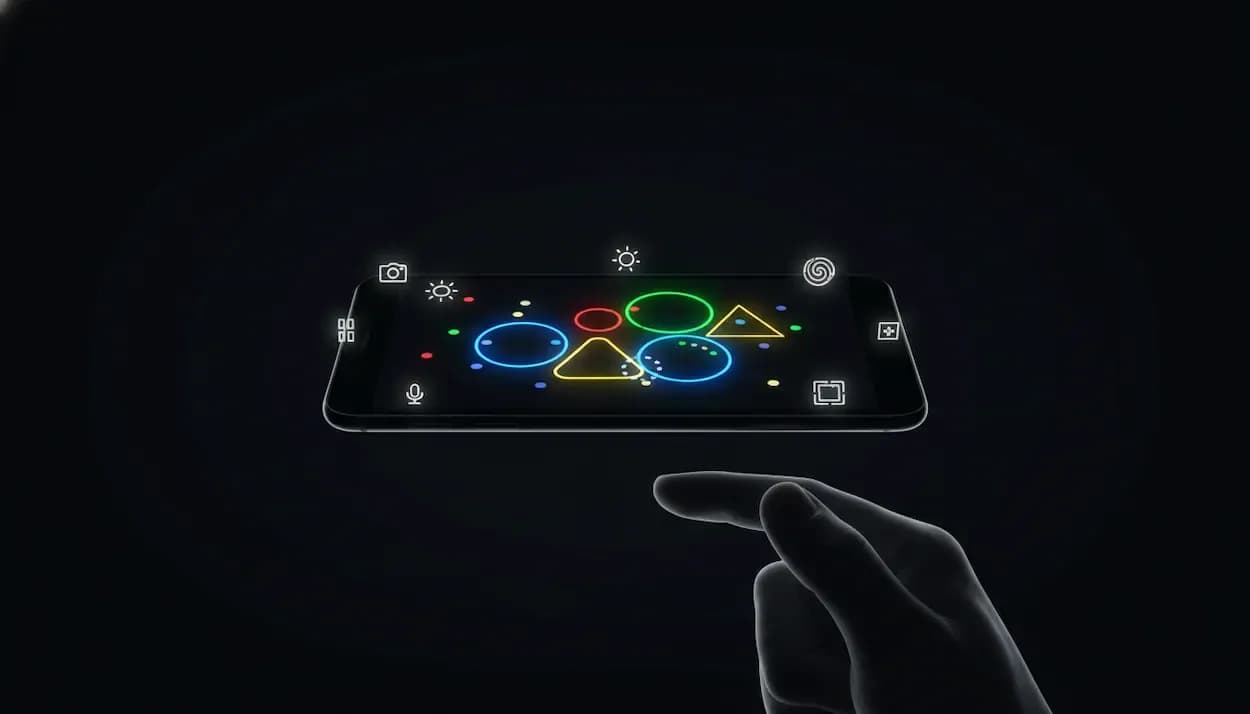
Here’s what’s actually happening: Game is Hard isn’t asking you to play a puzzle on your phone. It’s asking you to play your phone. And the nastiest trick it pulls is how hard it tries to make you forget that fact.

Most mobile games train you into “glass thinking.” Tap button. Drag object. Win dopamine. Even “tricky” puzzle apps usually keep the rules inside the screen. Game is Hard builds a fake sense of safety with clean UI and simple prompts, then yanks the floor out by turning your device into the controller: motion sensors, mic, camera, volume buttons, screenshots, even the stuff you normally call “settings.”

And once you accept that, the game stops feeling impossible. It starts feeling like a controller you never bothered to learn.

game is hard i can't hear anything level

The scam: “App containment”

Your brain has a default rule: “The solution is in the app.” That’s how normal apps work. That’s how most games work. Game is Hard uses that habit against you.

It’ll show you a problem that looks like it needs a UI solution, then it’ll punish UI thinking until you get annoyed enough to try something physical. It’s not being random. It’s training you.

A perfect example is the kind of level where the answer is literally doing nothing. Level 19 (“i need some rest”) is the game laughing at your constant tapping: the win condition is stillness. Put the phone down on a flat surface. Hands off. Wait a moment. The level clears. That’s not a puzzle on a screen. That’s a puzzle about your device’s motion sensors (and your impulse control).

The betrayal: “UI is part of the level”

The next layer of evil is when the game treats the UI like it’s physical props.
game is hard how to fix this level

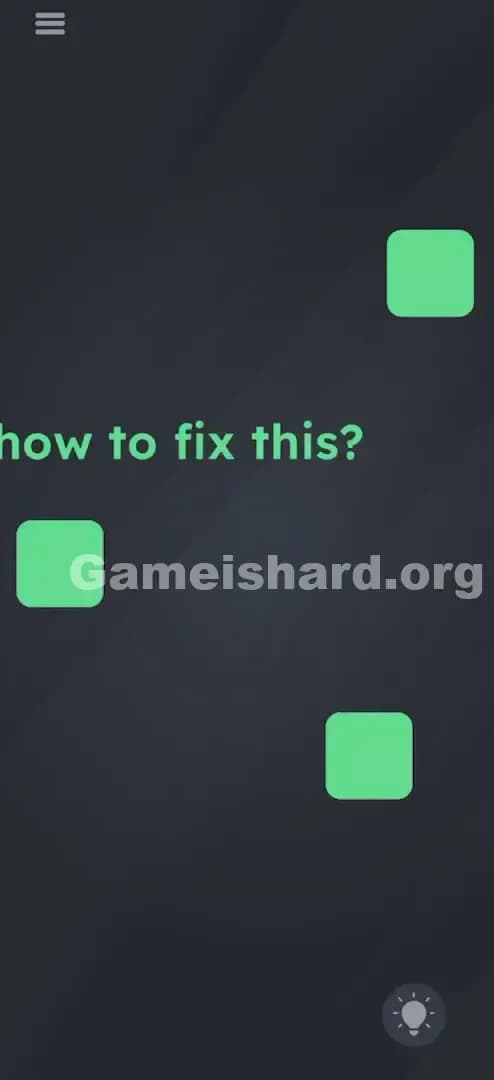
Level 20 (“h w to fix this?”) looks like a missing letter problem. People try to draw an “o.” They try to drag random shapes. Nope. The solution is to grab the menu button and drag it into the gap like it’s the missing “o.” The “menu” isn’t a menu anymore. It’s an object.

That one level rewires how you should look at everything on the screen from then on:

  • The level number can be a puzzle piece.
  • The hint icon can be a weight, a plug, a blocker.
  • The instruction text can be draggable, deletable, stackable, “real.”

If you’re still treating the UI as sacred, you’re playing with one hand tied behind your back.

The real controller: a quick map of your phone

When you hit a wall, don’t stare at the screen like it owes you answers. Run a controller check. Fast. Methodical. No drama.

The 10-second Controller Sweep

  1. Touch weirdly: tap, long-press, drag the obvious stuff, then drag the non-obvious stuff (text, icons, counters).
  2. Multi-touch: try two fingers, then three. Pinch in. Pinch out.
  3. Tilt: left, right, forward, backward. Then flip the phone upside down.
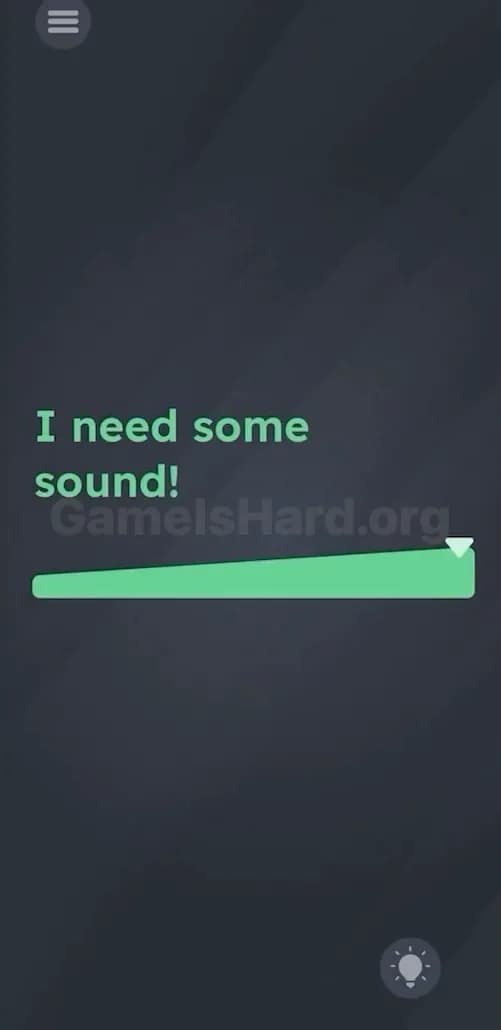
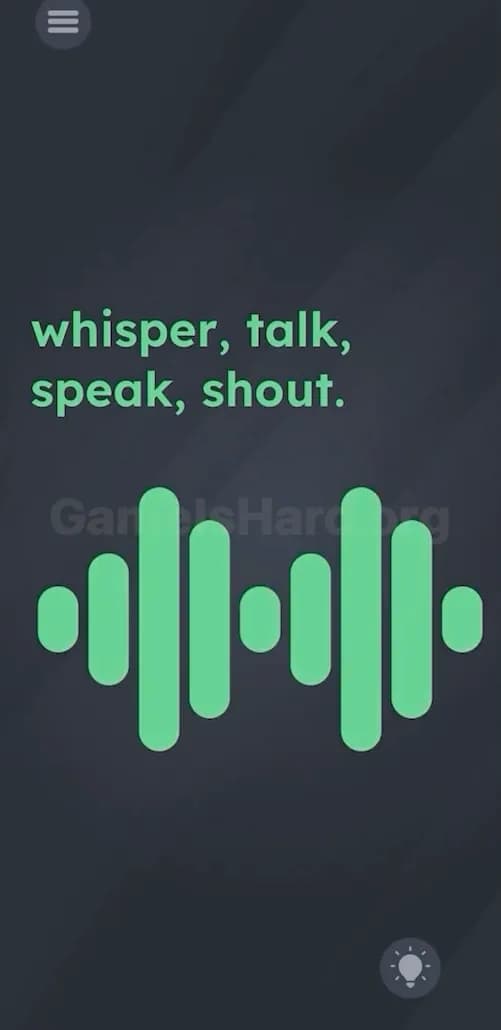
  4. Sound: clap once. Blow into the mic. Then go silent.
  5. Light: cover the top bezel/sensor area with your hand for a second.
  6. Buttons/OS stuff: press volume up/down once. If the prompt screams “photo,” take a screenshot.

That sweep solves a ridiculous chunk of levels because the game’s favorite trick is hiding the input, not hiding the logic.

“Say cheese” doesn’t mean scream at your phone

Another classic trap: words that sound like they want an in-app action.
game is hard say cheese level

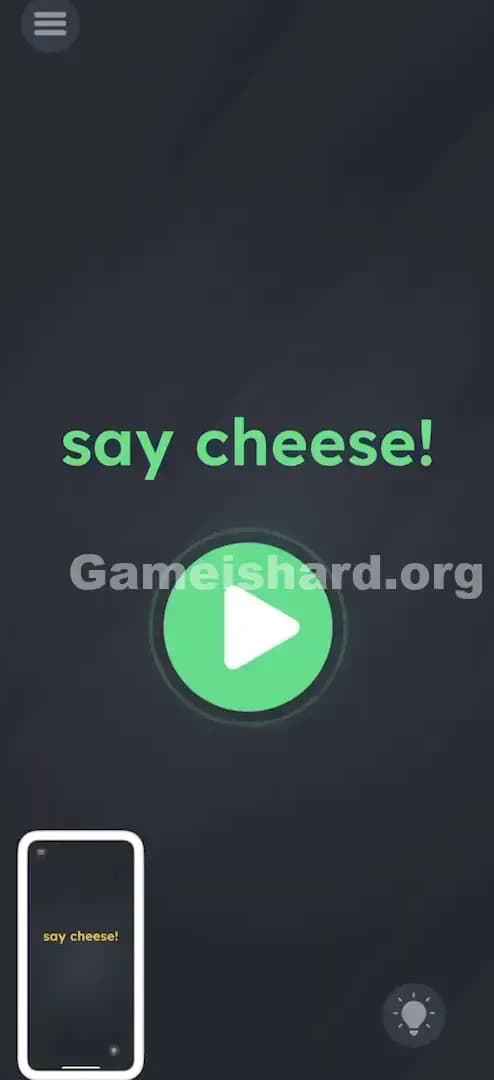
Level 21 (“say cheese!”) looks like a camera level, so players yell “cheese” at the microphone like maniacs. The real answer is taking a screenshot so the game can detect the system event. It’s forcing you out of the app’s little sandbox.

This is the pattern: when the level references something your phone can do outside the app, assume the app wants that.

  • “Photo” vibes? Screenshot.
  • “Turn it up”? Volume buttons.
  • “Energy/power”? Plug in a charger (yes, really).
  • “Night/dark”? Cover sensors or dim the environment.

Your room is part of the level (yeah, it’s that kind of game)

Later on, it gets extra rude and starts using the real world.

Level 55 asks you to “find these colors around you.” People hunt inside the app like it’s a hidden-object game. Wrong. It’s a camera sampling level. Point your camera at real orange/red/blue stuff in your room and let it register.

That’s the moment you realize the “play area” is not your screen. It’s your phone plus whatever’s around it.

So if a level feels dead, check two things immediately:

  1. Permissions (camera/mic). If you denied them earlier, the puzzle can silently fail.
  2. Your environment (light, noise, objects, movement).

Why this feels so hard (and why you keep coming back)

The difficulty isn’t “math hard.” It’s “habit hard.”

The game attacks a brain bug called functional fixedness: you assume things only do their normal job. Menu buttons open menus. Text is just text. Screenshots are for sharing, not solving. Game is Hard exists to bully those assumptions until you stop trusting anything.

That’s also why the wins hit so good. You’ll be stuck for 10 minutes, then solve it in one second because you finally tried the one input you weren’t considering. That little snap is the whole point.

Pro-Tip (the “I swear this works” trick)

When you’re totally stuck, do this in order, no thinking:

  1. Put the phone flat on a table for 2 seconds.
  2. Pick it up and flip it upside down for 1 second.
  3. Pinch in, pinch out.
  4. Tap the instruction text once, then try dragging it.
  5. Press volume down once.
  6. Take a screenshot once.

That sequence looks dumb. It also brute-forces most of the game’s favorite hidden inputs without wasting your time on random tapping.