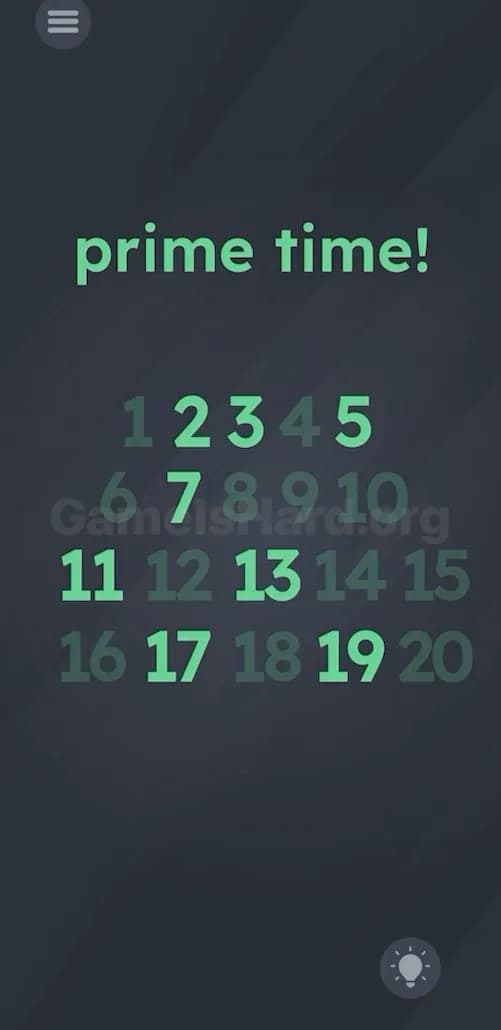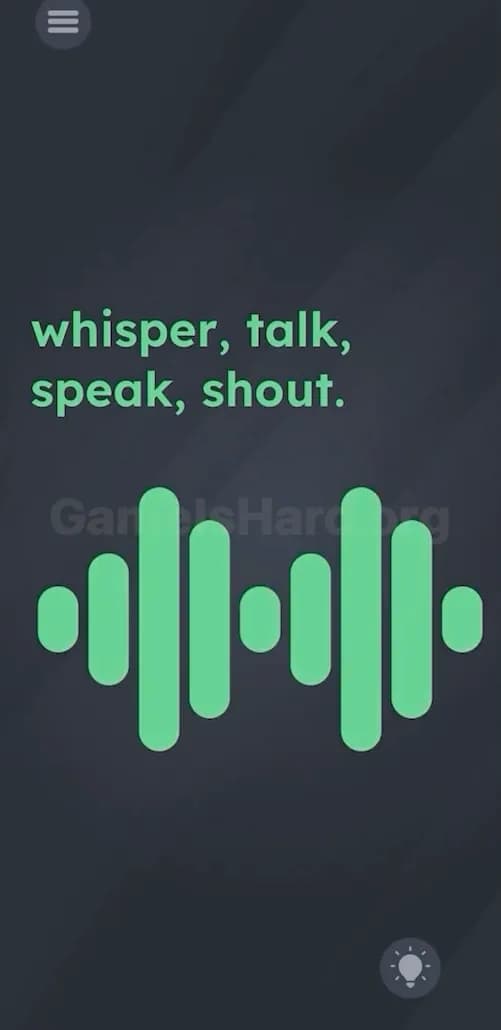
You load a new level. You tap the obvious thing. Nothing happens. You tap again like it owes you money. Still nothing. That’s your cue. Don’t brute force. Run the checklist and move on with your life.
This game doesn’t reward “more tapping.” It rewards catching the trick fast. Most levels fall into a small set of patterns, and you can test them in about a minute if you stay disciplined.

Treat your phone like the controller, not the screen.
The screen is bait half the time. The real input is the device. Motion. Buttons. OS actions. Sometimes doing nothing at all.
These are the dumb moves that solve an annoying number of levels.
Tap the goal object once. One tap. Not five. If it doesn’t react, move on.
Tap the instruction text. If the level says “Press the button,” the “button” might be the word button.
Long-press the weirdest thing on the screen. Long-press finds hidden states. Sliders. Fake buttons. Secret drags.
Drag everything that looks “not draggable.”
Try a two-finger gesture. Pinch. Spread. Two-finger hold. Some levels treat multi-touch as the whole trick.
If anything slides, wiggles, tears, rotates, or detaches. You’re done messing around. Follow that behavior to the finish instead of returning to random taps.
A lot of levels are basically “you forgot your phone has sensors.”
Run this like a routine:
Then repeat the most promising move while watching the screen carefully. If an object “leans,” “slides,” “falls,” or “rolls,” you just found the mechanic. Keep doing that one thing until the goal state triggers.
Here’s where people waste the most time because they don’t want to believe it’s real.
Do these, even if it feels stupid:
Screenshot shortcuts (quick reference):
Why this works: the level can listen for system events. Screenshot is a favorite because it’s “camera-adjacent” without needing a camera button on-screen. If the prompt hints at photos, cheese, capture, evidence, saving, gallery, or “show me,” screenshot is on the shortlist.
Now you test the phone’s relationship with the real world.
If the level references “sleep,” “rest,” “dark,” “hide,” “quiet,” “shy,” “don’t look,” or anything like that, these checks jump up the priority list.
If the checklist doesn’t pop anything immediately, don’t spiral. Categorize the level. The category tells you what to try next.

Signs:
What to do:
These levels love hiding the key in stuff you mentally label as “not part of the level.”

Signs:
What to do:
This is the “hands off” check. It feels fake until it works. Then you get mad at yourself for not trying it sooner.

Signs:
What to do:
The game loves acting like it’s testing you. Because it is.
Signs:
What to do:
This game is obsessed with wordplay that looks simple after you solve it.
Use this when you want speed, not purity.
Not elegant. Effective.
Do one clean checklist pass, then force a perspective flip.
Here’s the flip rule:
This game punishes autopilot. The flip rule breaks autopilot on command.
Also: don’t mix tests. That’s how you lie to yourself. If you’re testing motion, test motion. If you’re testing screenshot, take the screenshot and watch for feedback. Clean inputs give clean answers.
Your goal is not to “outsmart” the level. Your goal is to identify the category fast, trigger the mechanic once, then repeat it calmly.
Next time you hit a new level, don’t bargain with it. Run the checklist. Stay cold. Take the win.